Cybercriminals often use deceptive links to steal personal information. This is called "phishing." Knowing how to identify safe links is essential for online security. Here is what you need to look for.
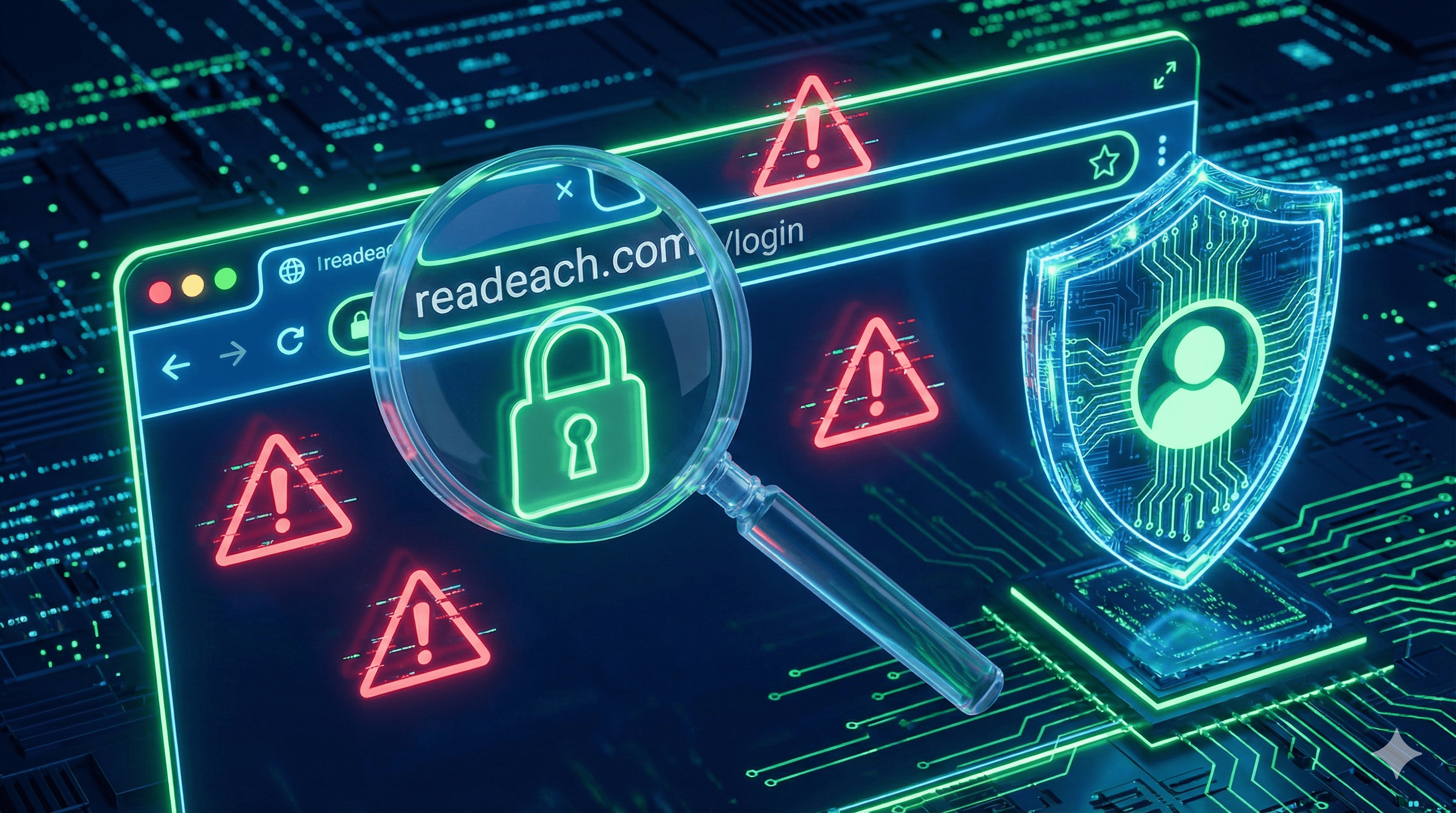
1. Check the Domain Name Carefully Hackers create domains that look similar to real ones (e.g., g0ogle.com instead of google.com). Always double-check the spelling before entering your password.
2. Look for HTTPS Secure websites use https:// at the start of their address. While not a guarantee of safety, the lack of an SSL certificate (the padlock icon) on a banking or shopping site is a major red flag.
3. Beware of Shortened Links from Strangers Short links are useful, but you should not click on them if they come from unknown sources via SMS or email. Use a "Link Expander" tool or preview features to see the destination before clicking.
Conclusion Stay vigilant. Readeach actively monitors and bans malicious links to keep our ecosystem safe, but user awareness is the first line of defense.